

- Yes. We operate under a rigorous compliance framework, registered as an MSB with FINTRAC (Canada) and authorized as an EMI-Agent in the EEA, ensuring the highest standards of fund security.
USD & EUR Business Accounts with Global Reach
Streamlined setup, real-time FX, and global payouts—all in one platform.
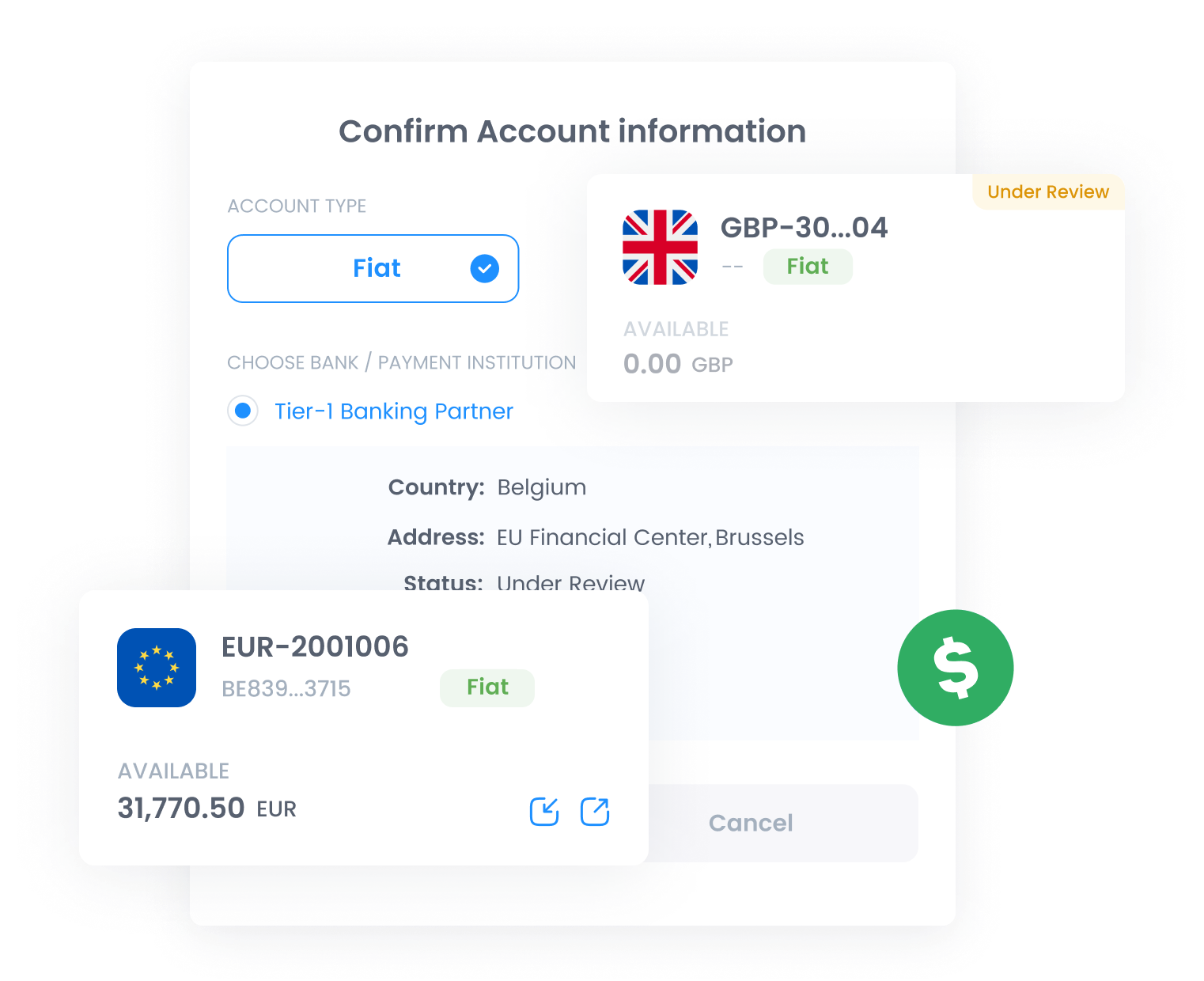





SEPA/SWIFT business transfers with instant settlement for any transaction size.

Efficient batch transfers to multiple recipients in a single transaction.

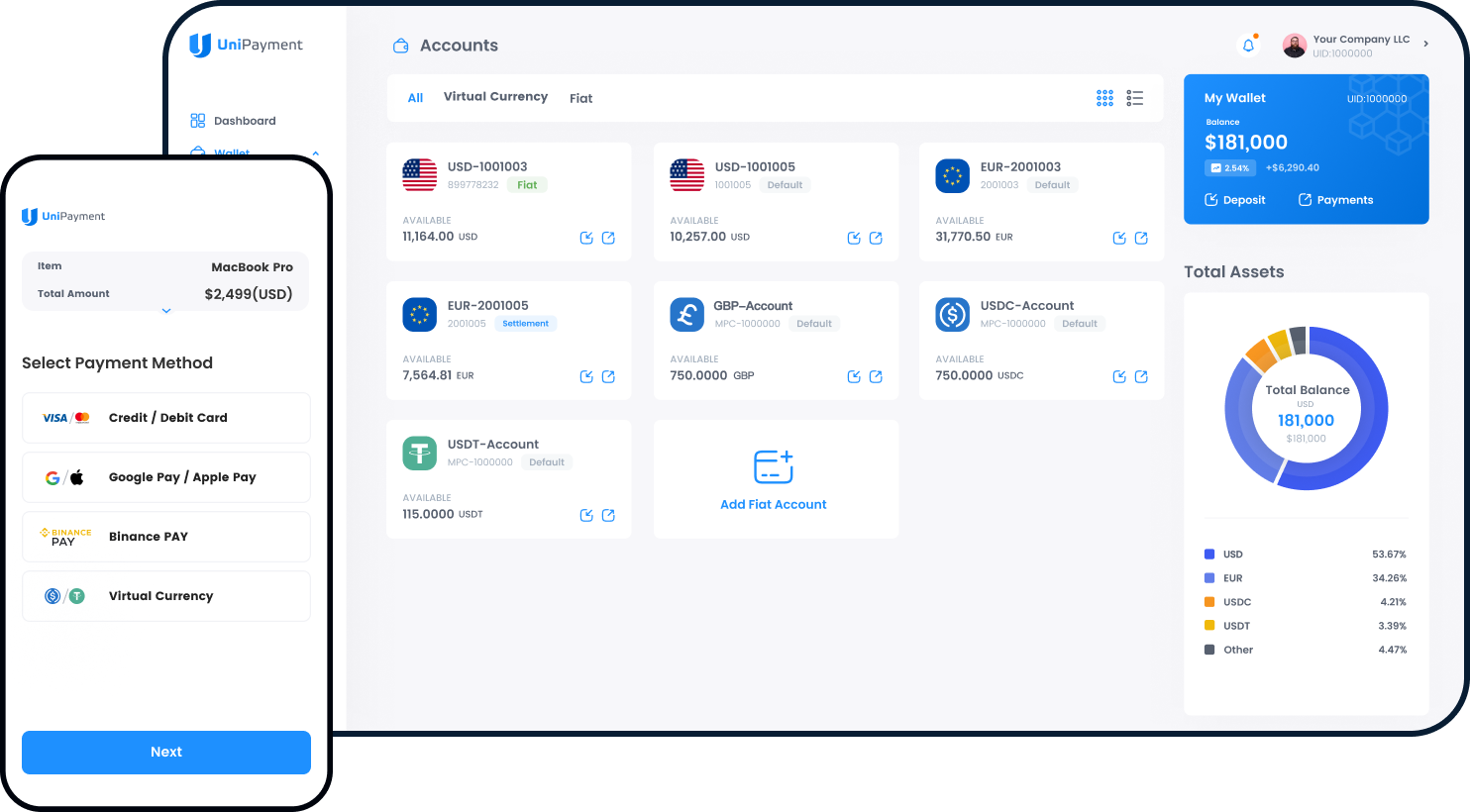
Unified management of multiple currencies within a single dashboard.

Receive funds directly into your named business accounts and digital wallets.

Protect accounts and transactions with SCA, 2FA, and OTP.

Access detailed transaction history with downloadable PDF/CSV reports.
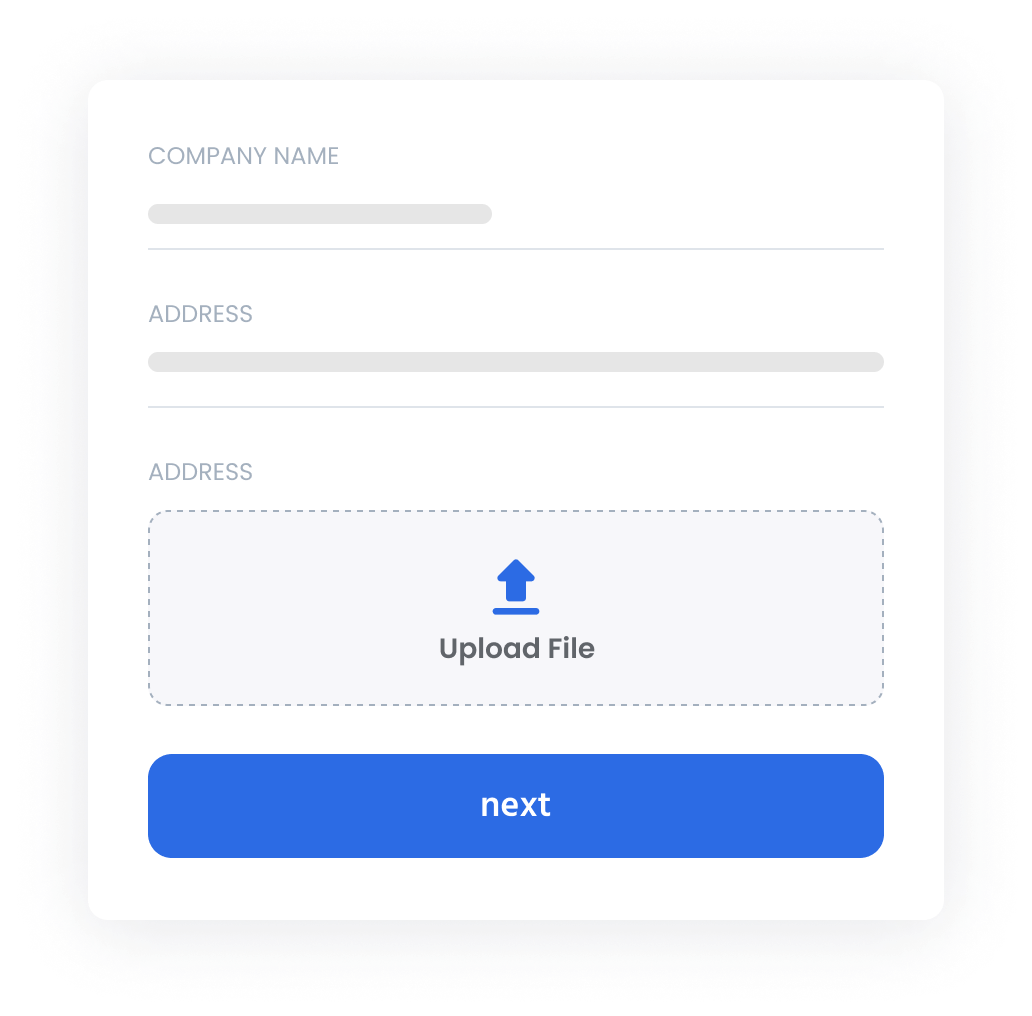
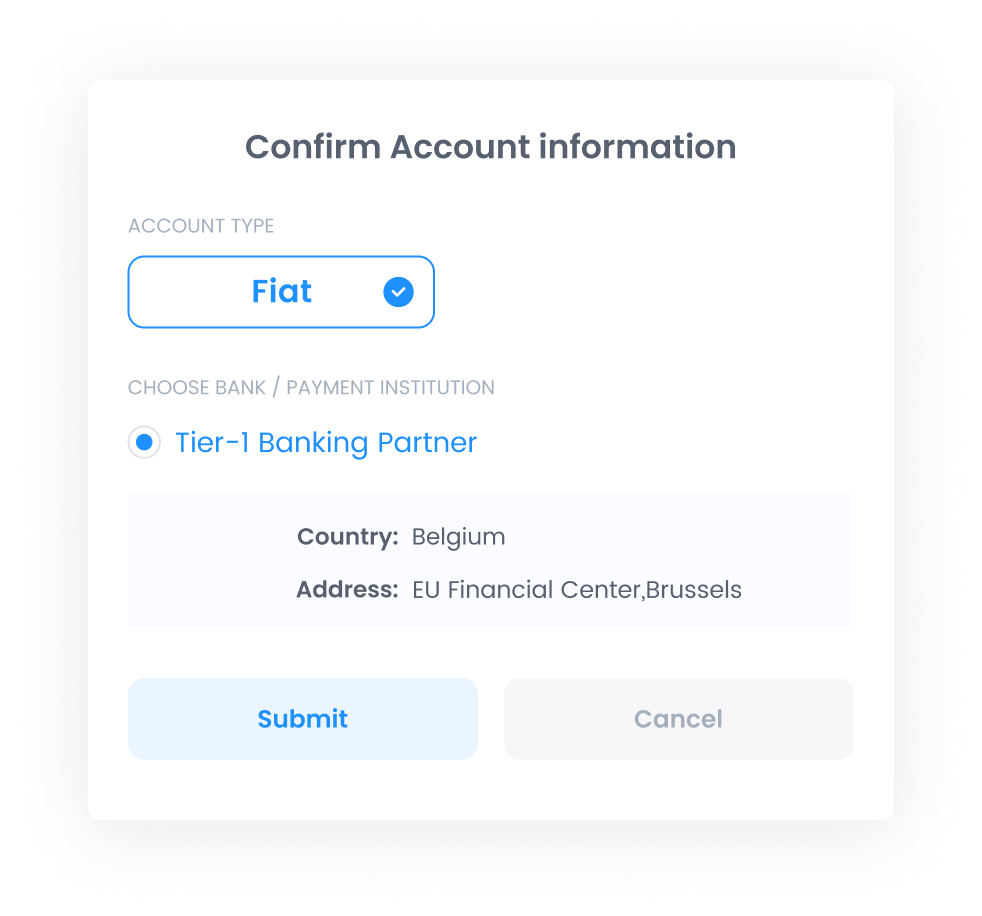
Quick and seamless integration with enterprise-grade security. Handle mass payouts of any size, all on a scalable API built to grow with your business.
# 1、Initializing UniPayment SDK Configuration
from unipayment import Configuration, BillingAPI, BeneficiaryAPI, CommonAPI, ExchangeAPI, PaymentAPI, WalletAPI


self.configuration = Configuration()
self.configuration.client_id = '071a5fad-9f7e-4785-9fe1-5a5e8d45c518'
self.configuration.client_secret = 'CzWUHMvWy7Dw7NAc8ZnKaDkqnXzSMV18d'
self.configuration.app_id = "a22a62d1-3b64-4cb5-9336-9c45afd91e6e"
self.configuration.is_sandbox = True
self.configuration.debug = True

self.CommonAPI = CommonAPI(self.configuration)
self.BeneficiaryAPI = BeneficiaryAPI(self.configuration)
self.ExchangeAPI = ExchangeAPI(self.configuration)
self.WalletAPI = WalletAPI(self.configuration)
self.PaymentAPI = PaymentAPI(self.configuration)
self.BillingAPI = BillingAPI(self.configuration)

if self.configuration.debug:
    logger.setLevel(logging.DEBUG)

# 2、Create an invoice
import logging
import uuid

from unipayment.models import CreateInvoiceRequest

logger = logging.getLogger(__name__)

order_id = uuid.uuid4()
create_invoice_request = CreateInvoiceRequest(app_id=self.configuration.app_id, price_amount=2.0,
                                              price_currency='USD', order_id=order_id, lang='en',
                                              ext_args='"Merchant Pass Through Data')

create_invoice_response = self.BillingAPI.create_invoice(create_invoice_request)
logger.debug("response body: %s", create_invoice_response)
// 1、Programmatically - Initializing the Configuration Object
import io.unipayment.sdk.core.config.Configuration;
import io.unipayment.client.UniPaymentClient;
Configuration configuration = Configuration.builder()
.clientId("client id")
.clientSecret("client secret")
.host("https://sandbox-api.unipayment.io")
.apiVersion("1.0")
.appId("app id")
.debug(true) //If you wish to print the request/response logs
.build();
// 2、Create an invoice
import io.unipayment.sdk.model.ApiResponse;
import io.unipayment.sdk.model.Invoice;
import io.unipayment.sdk.model.*;
BillingAPI billingAPI = BillingAPI.getInstance(configuration);
CreateInvoiceRequest createInvoiceRequest = CreateInvoiceRequest.builder()
.appId(configuration.getAppId())
.priceAmount(2.0)
.priceCurrency("USD")
.orderId(orderId)
.lang("en")
.extArgs("Merchant Pass Through Data")
.build();
ApiResponse apiResponse = billingAPI.createInvoice(createInvoiceRequest);
if(apiResponse.getCode().equals("OK")){
// handle business logic
} // 1、Initializing UniPayment SDK
$configuration = new \UniPayment\SDK\Configuration();
$configuration->setClientId('your client id');
$configuration->setClientSecret('your secret key');
$configuration->setAppId('your app id');
$configuration->setIsSandbox(false);
// 2、Create an invoice
$createInvoiceRequest = new \UniPayment\SDK\Model\CreateInvoiceRequest();
$createInvoiceRequest->setAppId($configuration->getAppId());
$createInvoiceRequest->setOrderId(Uuid::uuid4());
$createInvoiceRequest->setPriceAmount(1.0);
$createInvoiceRequest->setPriceCurrency('USD');
$createInvoiceRequest->setLang("en");
$createInvoiceRequest->setExtArgs("Merchant Pass Through Data");
$billingAPI = new \UniPayment\SDK\BillingAPI($configuration);
try{
$createInvoiceResponse = $billingAPI->createInvoice($createInvoiceRequest);
} catch (\UniPayment\SDK\UnipaymentSDKException $e) {
...
}const {v4: uuidv4} = require('uuid');
const {BillingAPI} = require('unipayment-sdk');
const billingAPI = new BillingAPI(configuration);
const createInvoiceRequest = {
'app_id': configuration.appId,
'order_id': uuidv4(),
'price_amount': 1.00,
'price_currency': 'USD',
'lang': 'en',
'ext_args': 'Merchant Pass Through Data'
};
billingAPI.createInvoice(createInvoiceRequest).then(response => {
printResponse(response);
assert.equal(response.data.code === 'OK', true);
done();
}).catch(error => {
done();
console.log(error);
})// 1、Initializing UniPayment client
var (
authParams = AuthParams{ClientID: "your client id",
ClientSecret: "your client secret",
AppID: "your app id"}
apiClient = NewAPIClient(NewConfiguration(authParams)).UnipaymentApiClient
)
// 2、Create an invoice
createInvoiceRequest := CreateInvoiceRequest{
Title: "MacBook Pro",
Description: "MacBook Pro(256G)",
Lang: "en",
AppId: authParams.AppID,
PriceAmount: 2.0,
PriceCurrency: "USD",
PayCurrency: "USDT",
NotifyUrl: "https://demo-payment.requestcatcher.com/test",
RedirectUrl: "https://www.example.com",
OrderId: "ORDER_123456",
ExtArgs: "Merchant Pass Through Data",
ConfirmSpeed: "Medium",
}
response, _, err := apiClient.CreateInvoice(createInvoiceRequest)Funds via digital currencies and SEPA Instant are available immediately. SWIFT transfers typically follow standard T+1 to T+3 settlement cycles.
We offer competitive, volume-based pricing with no hidden costs. A detailed fee structure is available in your dashboard or via our sales team.
We support major fiat currencies (USD, EUR, GBP, etc.) and digital assets (USDT, USDC) for seamless global transactions.
UniPayment serves a broad range of global industries, specializing in E-commerce, Gaming, Forex, and Web3 sectors.
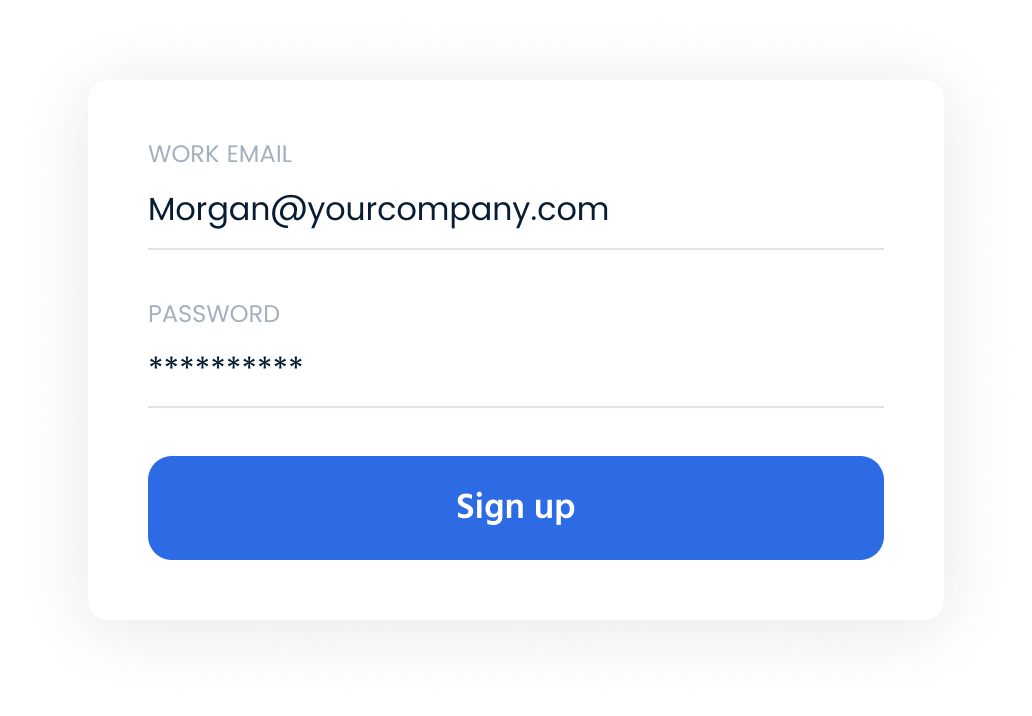
Fast, secure, and free to sign up—join today for seamless global payments.